Build autonomous workflows.
Ship 10× faster.
Munjiz is an autonomous local-first software engineering platform — orchestrate multi-spec builds, draw visual workflows, run sandboxed coding agents, and connect 34+ services. Everything executes locally.
Connects with the tools you already use
One desktop app.
Four engineering pillars.
Autonomous multi-spec projects, visual node workflows, sandboxed coding agents, and instant internal tools — powered by one local engine with zero cloud code leakage.
Multi-spec engineering.
Evidence-verified builds.
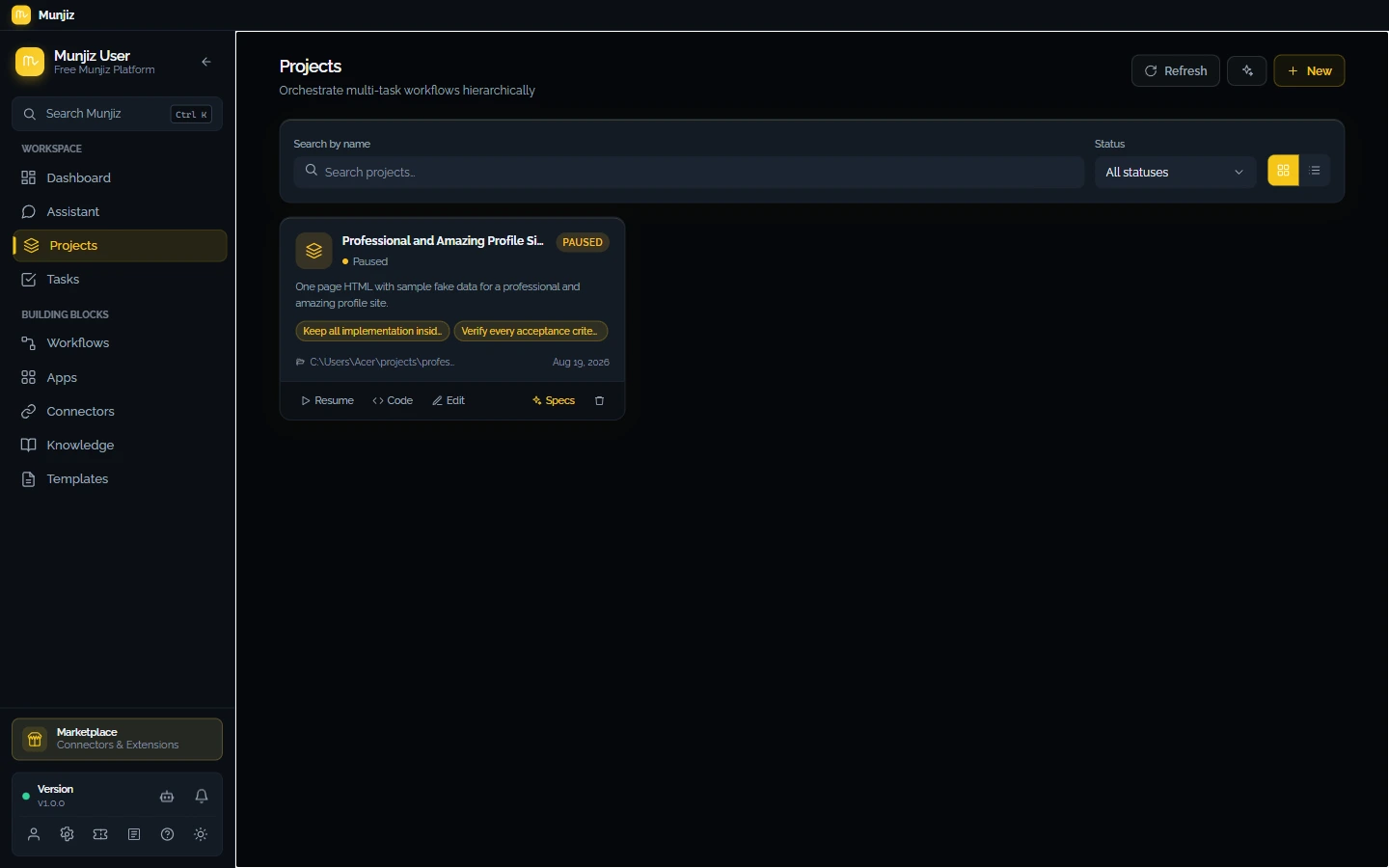
Plan complex codebases into dependency-ordered specifications. Munjiz executes specs through isolated Git merge queues, enforcing compiler checks and deterministic quality gates before marking tasks complete.
- Topological DAG dependency planning
- Isolated Git worktree merge queues
- Deterministic stack quality gates
- Reproducible SBOM & build capsules
Draw the logic.
Model Context Protocol.
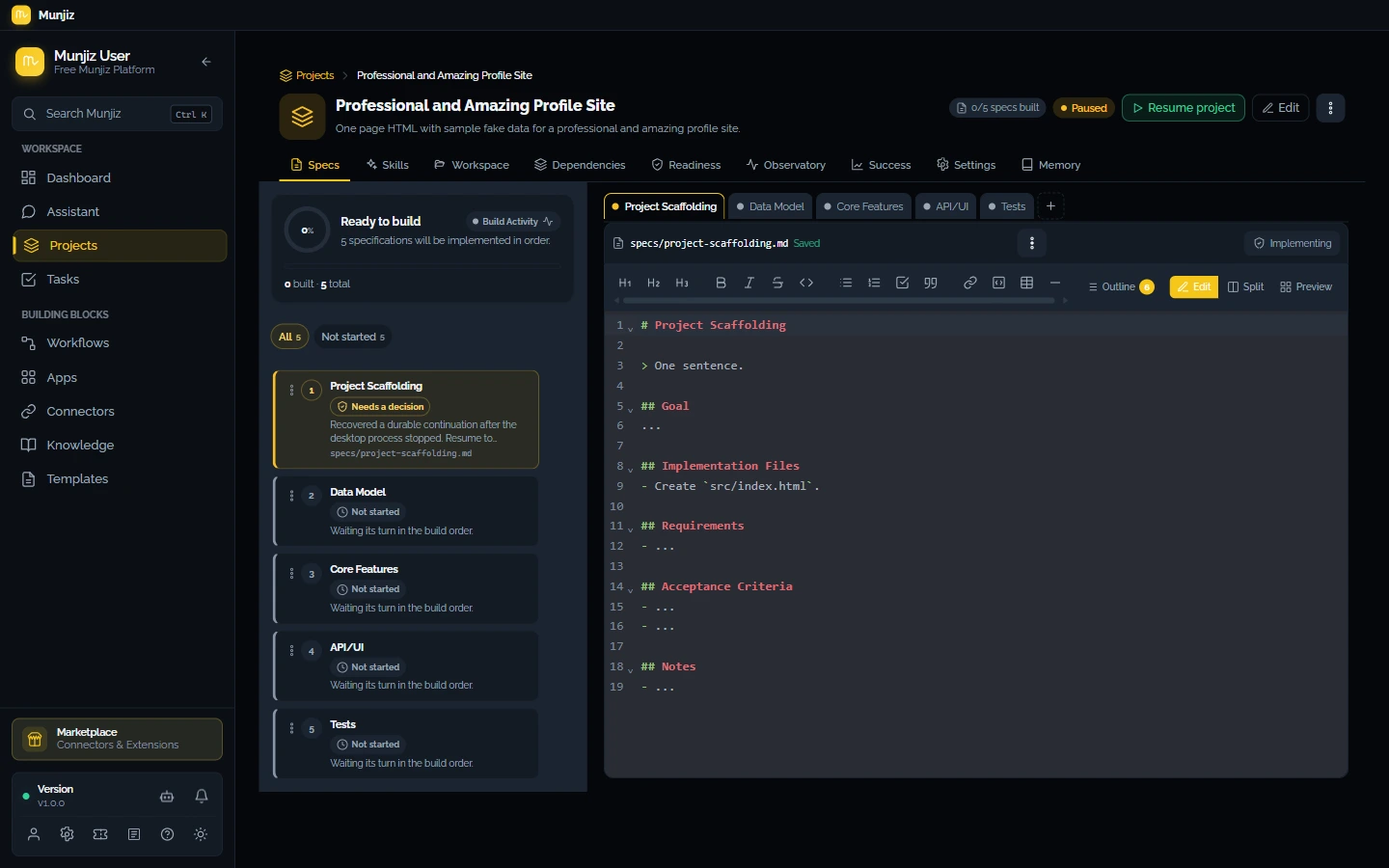
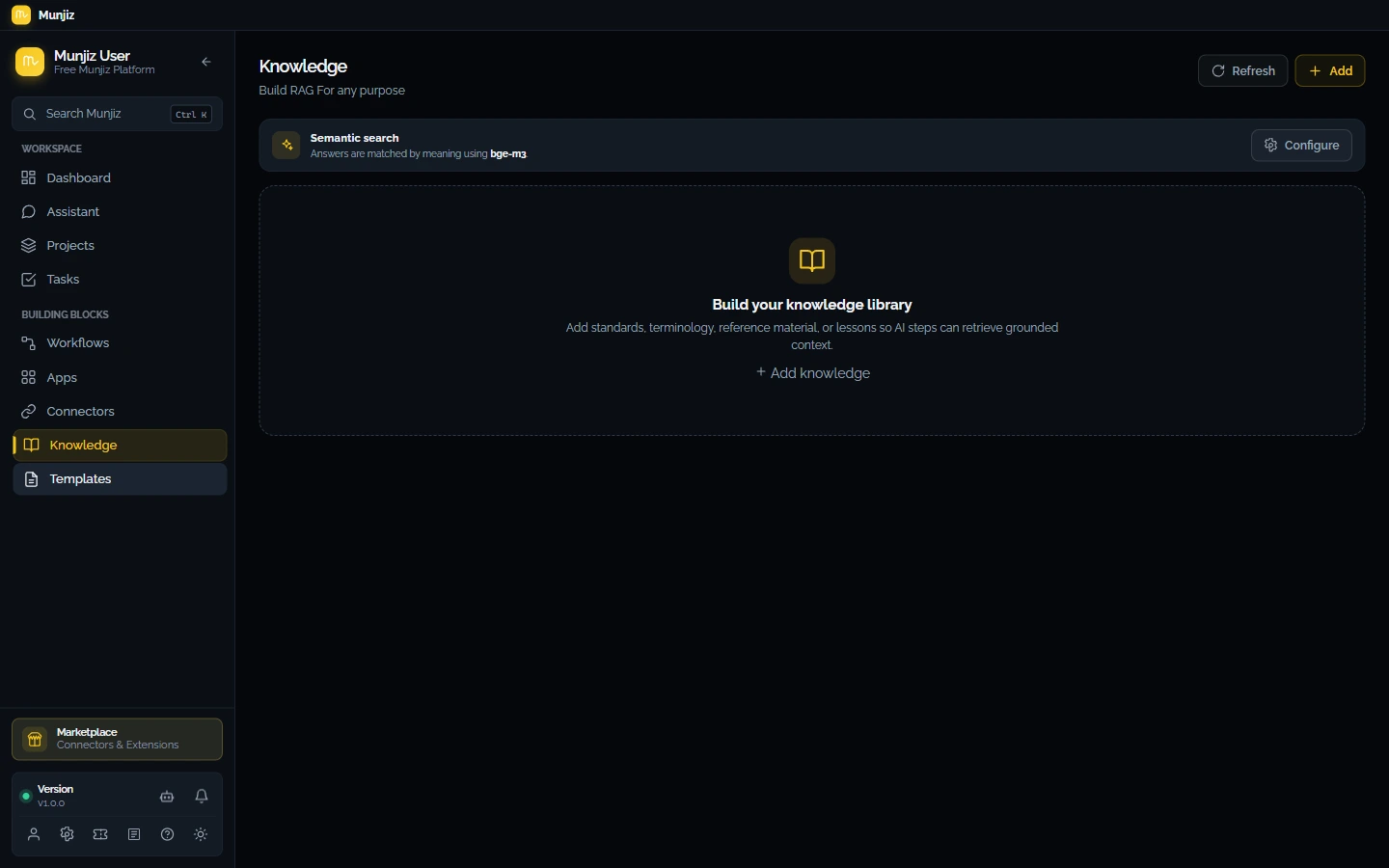
Design multi-step automations visually or generate full graphs from natural language. Connect remote and local Model Context Protocol (MCP) servers with secure OAuth 2.1 discovery and single-flight token refresh.
- 40+ visual logic & trigger nodes
- Remote & stdio MCP tool integration
- Pre-built actions for 34+ services
- Real-time interactive execution visualizer
Sandboxed code mutations.
Zero cloud data leakage.
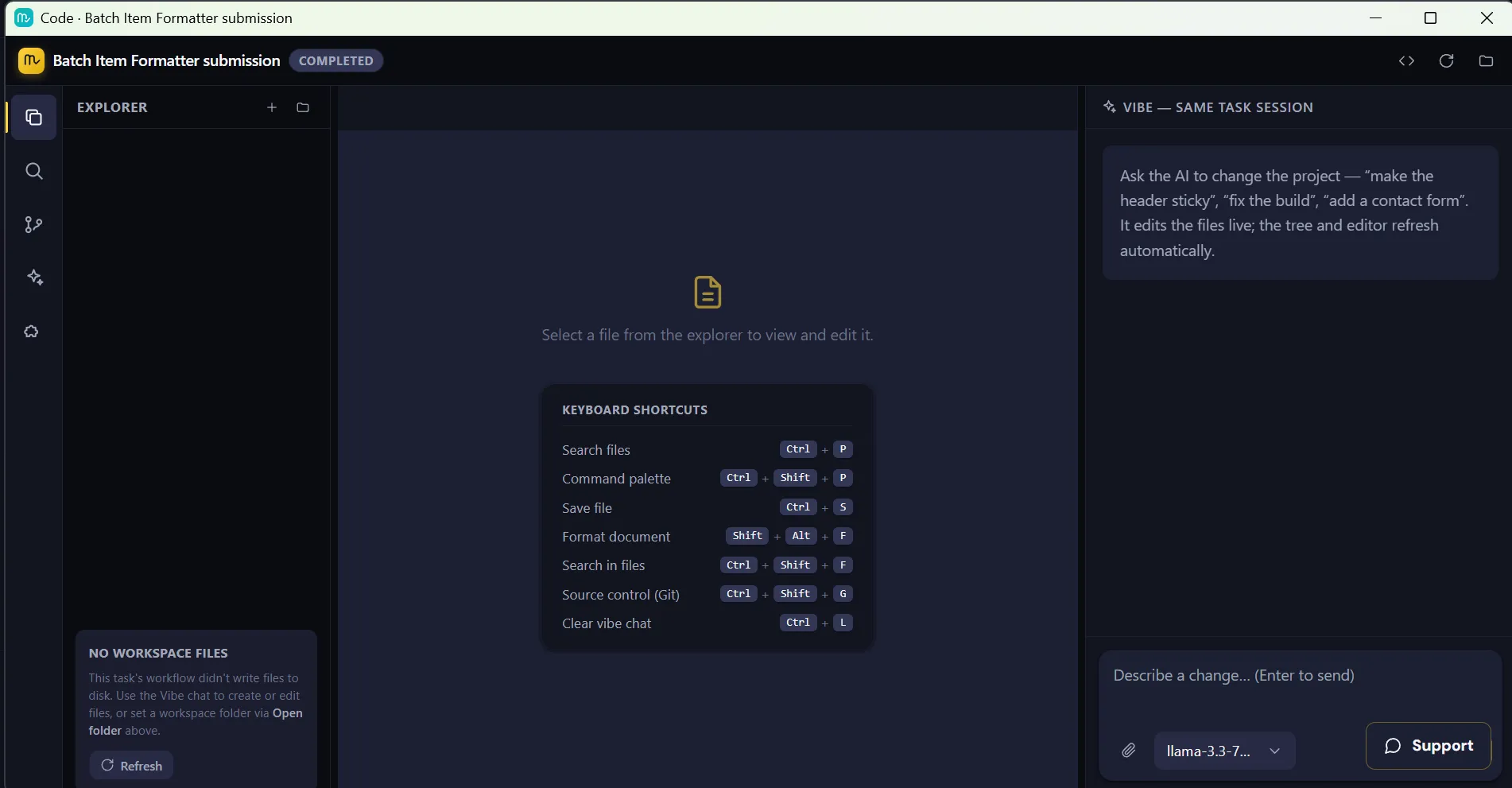
The agent indexes your local codebase using on-device SQLite vector embeddings, patches files inside sandboxes, and verifies builds without ever sending your private source code to external servers.
- Full-repo vector memory grounding
- Terminal execution & compiler verification
- Multi-file diff previews & rollback
- Local Ollama & private cloud models
Turn workflows into apps.
Approve every mutation.
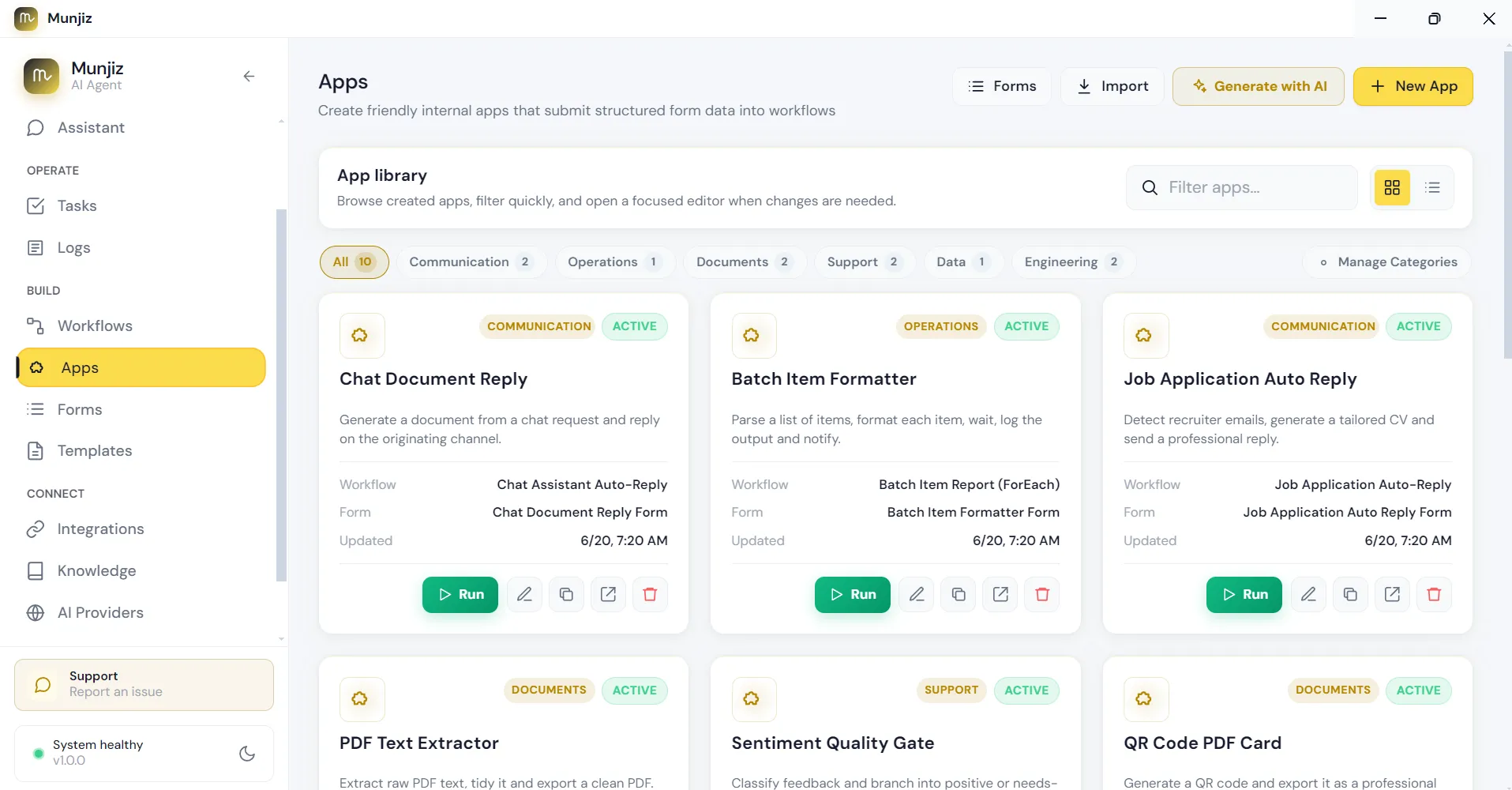
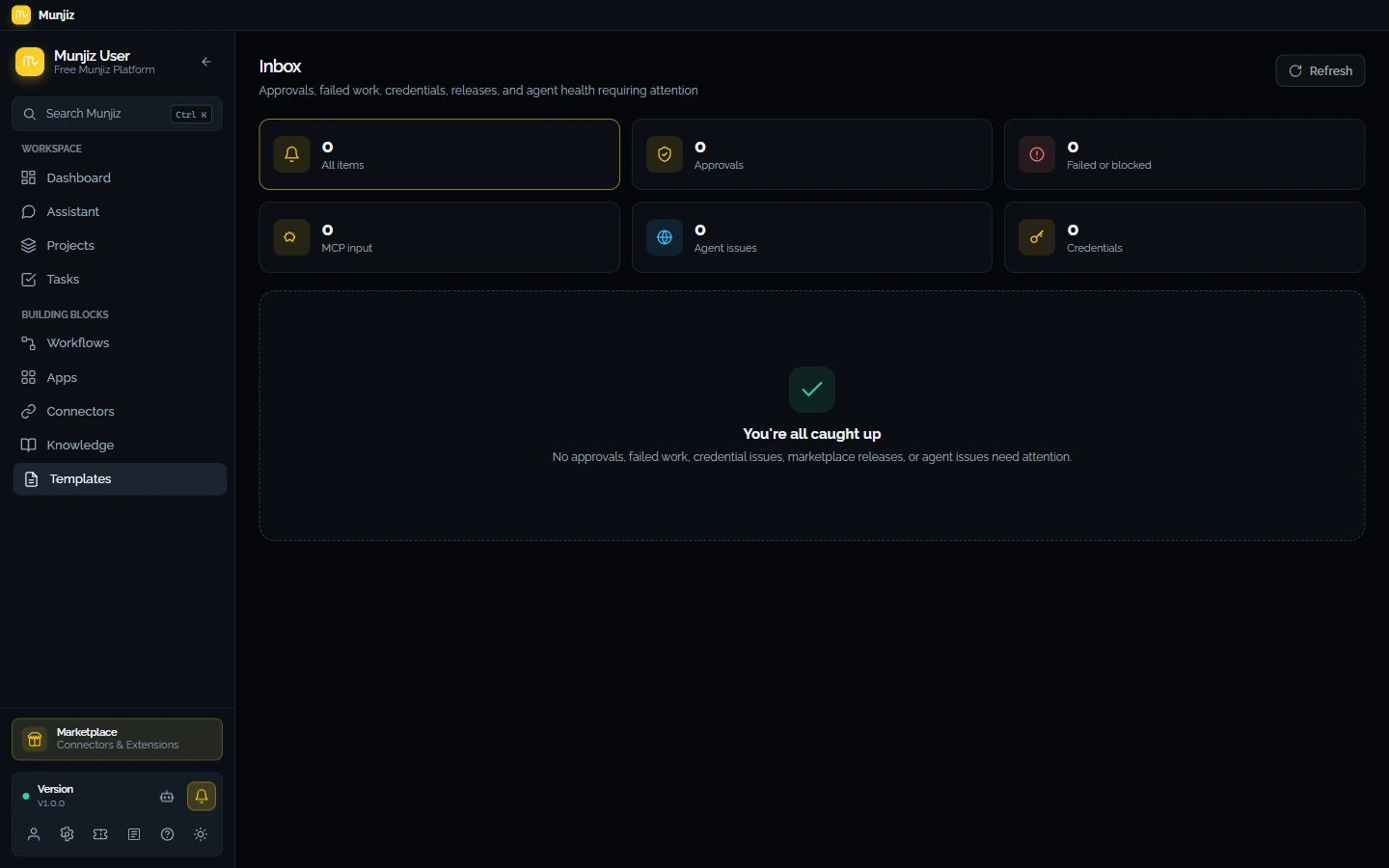
Convert backend agent workflows into interactive forms and team tools in one click. Review diffs, approve critical actions, and handle MCP task elicitation directly from the Inbox control plane.
- Instant form & dashboard generator
- Inbox review for high-risk actions
- Task elicitation & parameter prompts
- Role-based desktop seat governance
From idea to running automation
in three steps.
Download & launch
Install Munjiz Desktop on Windows, macOS, or Linux. No account needed to start building.
Describe or draw
Type what you want in plain English — or drag blocks onto the canvas. The AI generates the full workflow graph.
Run it — locally
Execute on your machine, on your schedule, with your own API keys and 34+ connected services.
Connect the tools you already love.
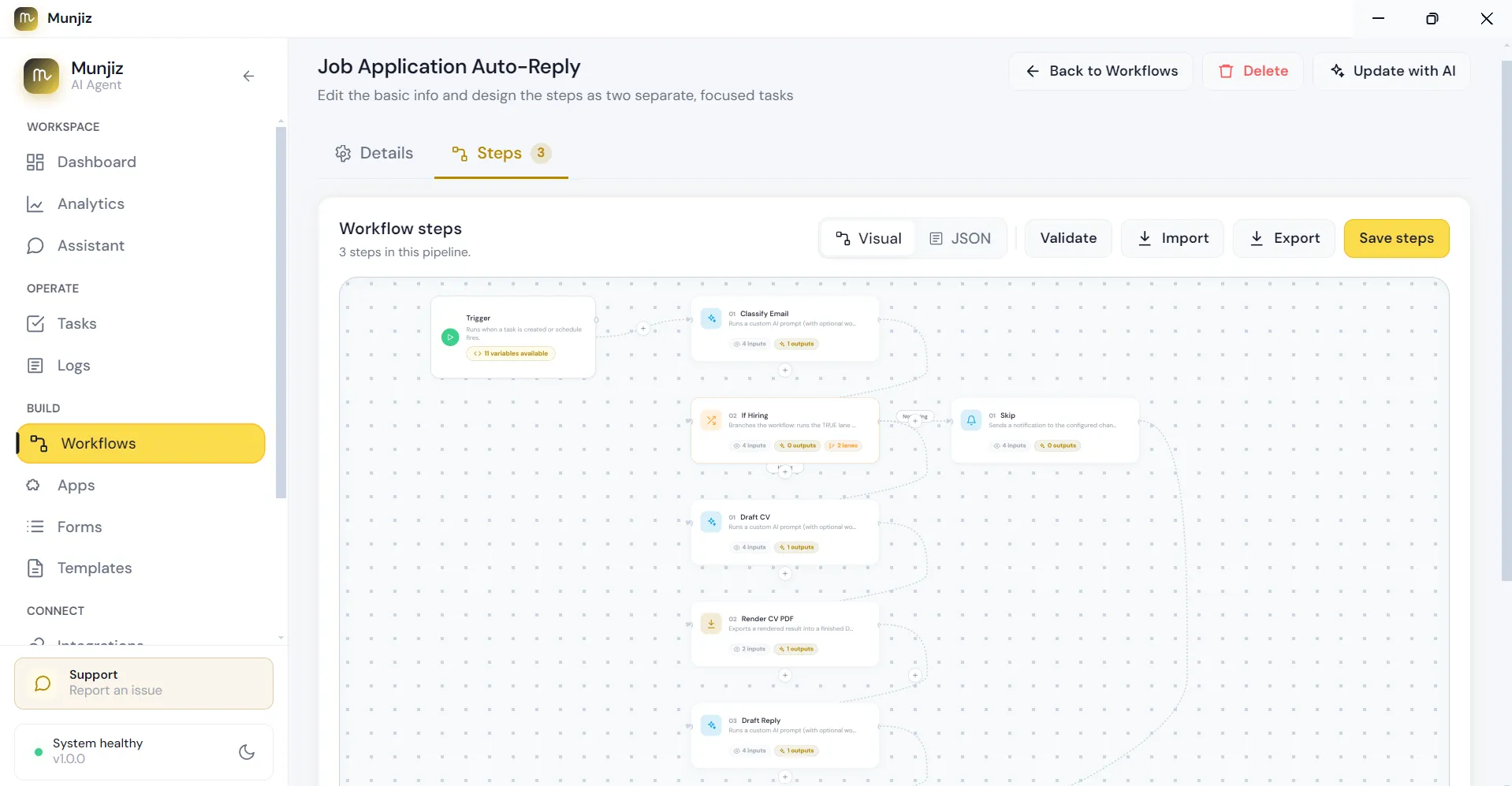
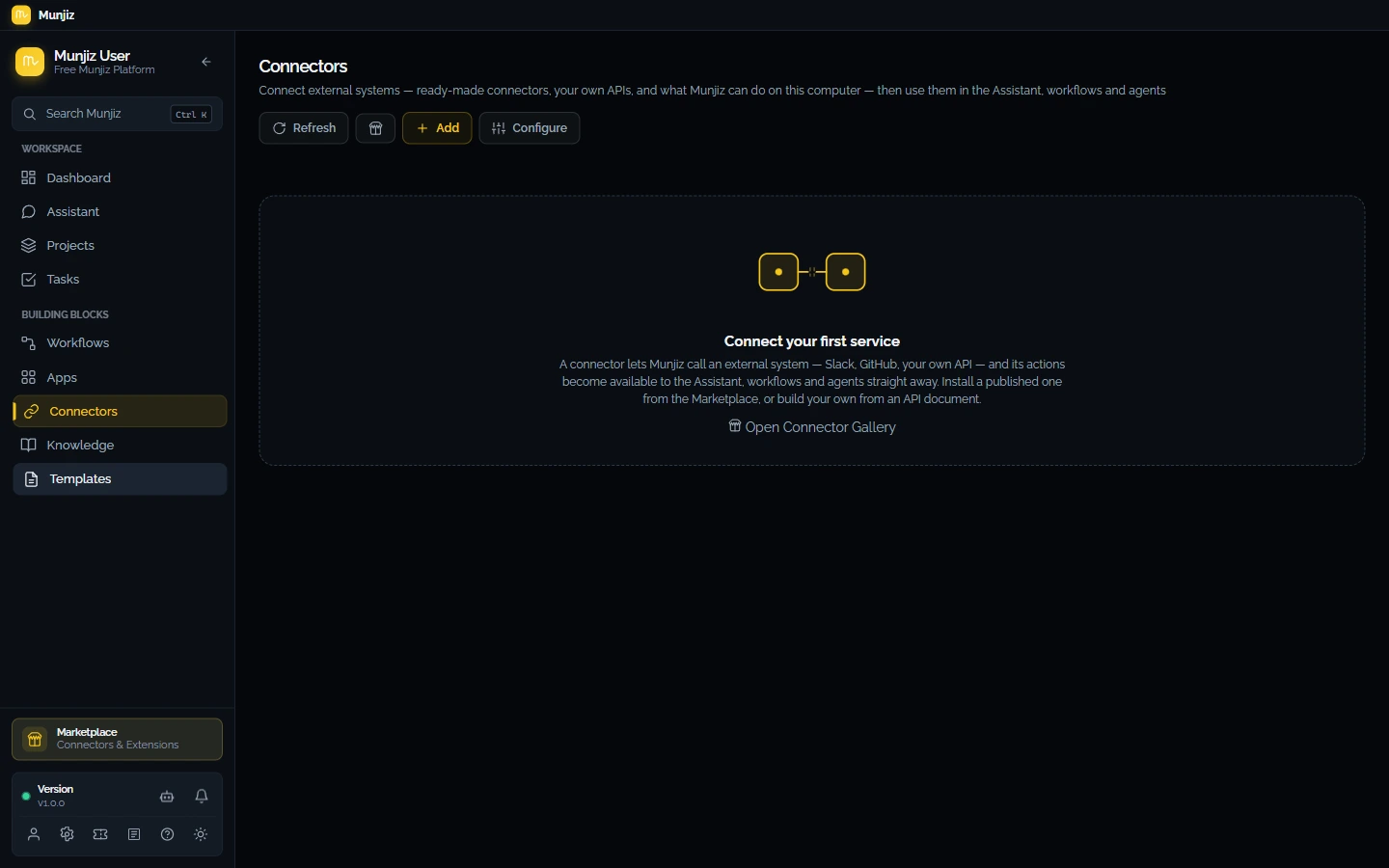
Zero configuration. Every integration ships with pre-built action blocks, triggers, and auth — ready to drag into any workflow.
Your code never leaves your machine.
Built for teams that can't compromise on data sovereignty.
Local Sandbox
All AI execution runs on your desktop. No cloud middleman, no data harvesting, no egress fees.
PGP-Encrypted Diagnostics
Support logs are sanitized locally — API keys stripped — then PGP-encrypted before any upload.
Your Own API Keys
AI calls go directly from your desktop to the provider. We never see your OpenAI or Anthropic keys.
Hardware Fingerprinting
Device-bound sessions. Each seat is tied to a verified hardware fingerprint, so a signed-in desktop cannot be copied onto another machine.
Questions, answered.
No. Workflows and AI agents execute locally on your desktop. AI calls go directly from your machine to your chosen provider using your own API keys — nothing is proxied through our servers.
Yes — you connect your own OpenAI, Anthropic, or other provider keys. They are stored locally and requests go straight to the provider, so you keep full control of cost and data.
Windows, macOS, and Linux. The download button above auto-detects your OS, and the app keeps itself up to date in the background.
Yes. Download the desktop app and start building — no sign-up required. Create an account only when you want to activate a paid plan or manage team seats.
Licenses are device-bound: each seat is tied to a hardware fingerprint you manage from your dashboard. Deactivate a device at any time to free up its seat.
Automate the work.
Keep the craft.
Free to download. Works offline. Your API keys, your data, your machine.